> For the complete documentation index, see [llms.txt](https://docs.echo3d.com/llms.txt). Markdown versions of documentation pages are available by appending `.md` to page URLs; this page is available as [Markdown](https://docs.echo3d.com/web-console/manage-pages/collections-and-sharing/security.md).
# Security Tab
Learn how to use the security tab.
{% hint style="success" %}
Your data security and privacy is a top priority.
{% endhint %}
Security Settings
This section shows what security protocols we use for your collections.
* **SSL**: 3D assets and data will be streamed over authenticated and encrypted links.
* **Data Anonymization**: 3D assets stored on our servers will be anonymized so no attacker will be able to know what the content represents.
{% hint style="success" %}
Our system provides SSL encryption and data anonymization to **all plans free of charge**.
{% endhint %}
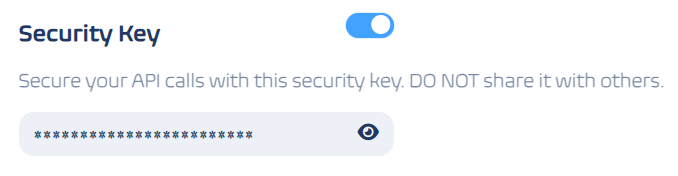
## Security Key
This section allows you to access the security key used to secure your API calls.
You can click the  icon to view the secret key, and clicking anywhere in the secret key container will copy it to your clipboard.
{% hint style="danger" %}
Do not share your security key with others.
{% endhint %}
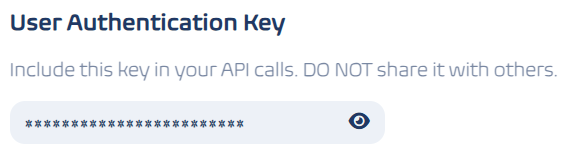
## User Authentication Key
This section allows you to access your personal authentication key for your API calls
You can click the  icon to view your authentication key, and clicking anywhere in the authentication key container will copy it to your clipboard.
{% hint style="danger" %}
Do not share your user authentication key with others.
{% endhint %}